Kits
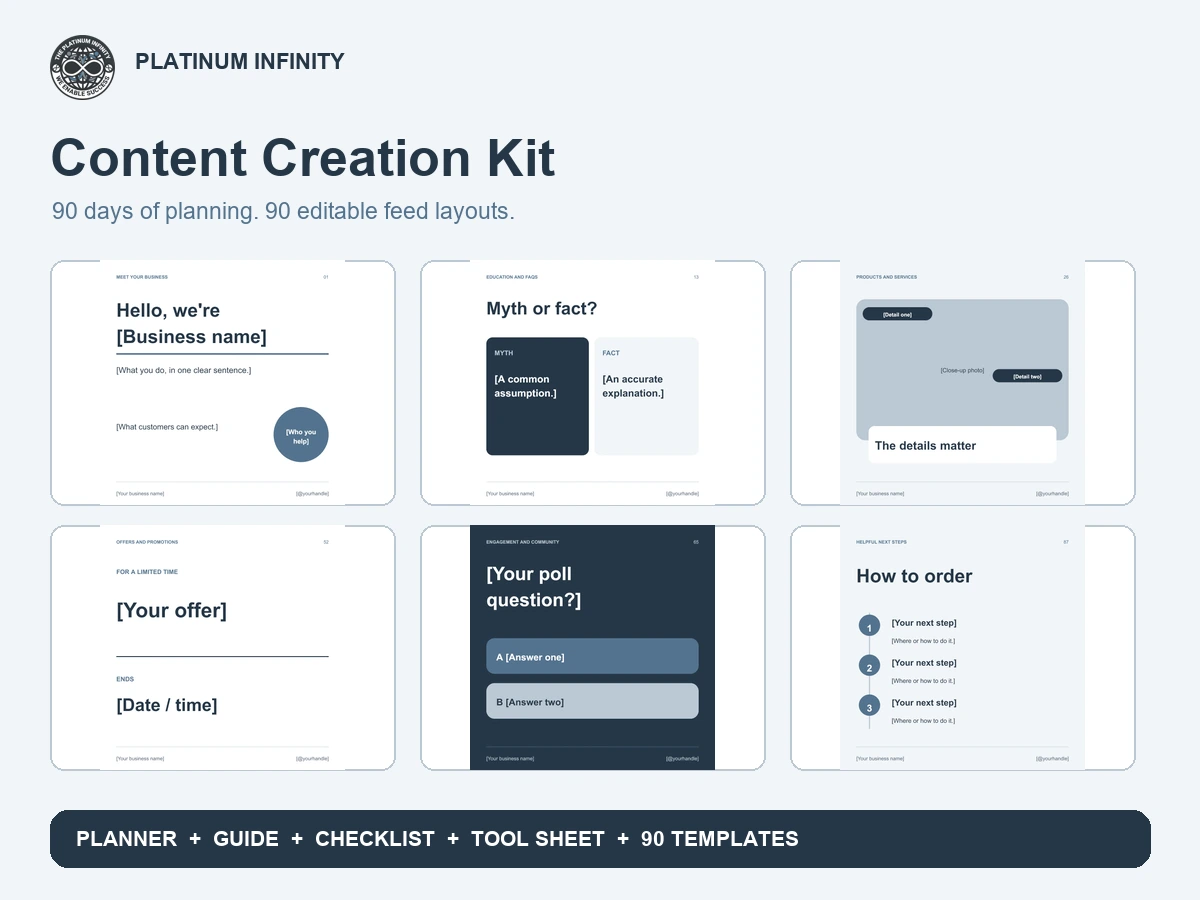
Plan 90 days of content with an Excel planner, guide, checklist, 18 tool sheet and 90 editable social feed layouts all for $14.99.
$14.99
Purchases and payments are disabled.
Digital download · Excel + PDF + Canva import file
5 items included
Editable · reusable
The problem
Choosing topics, designing every post from scratch and keeping track of publishing dates can make content creation feel like another full time job. Without a repeatable process, useful ideas are easy to lose and posting becomes inconsistent.
The solution
Build your next 90 days of content around one clear workflow: capture ideas in the planner, choose from 90 editable feed layouts, customize them for your business and check each post before publishing. The guide and 18 tool sheet help you put the process into practice for $14.99.
What's included
✓
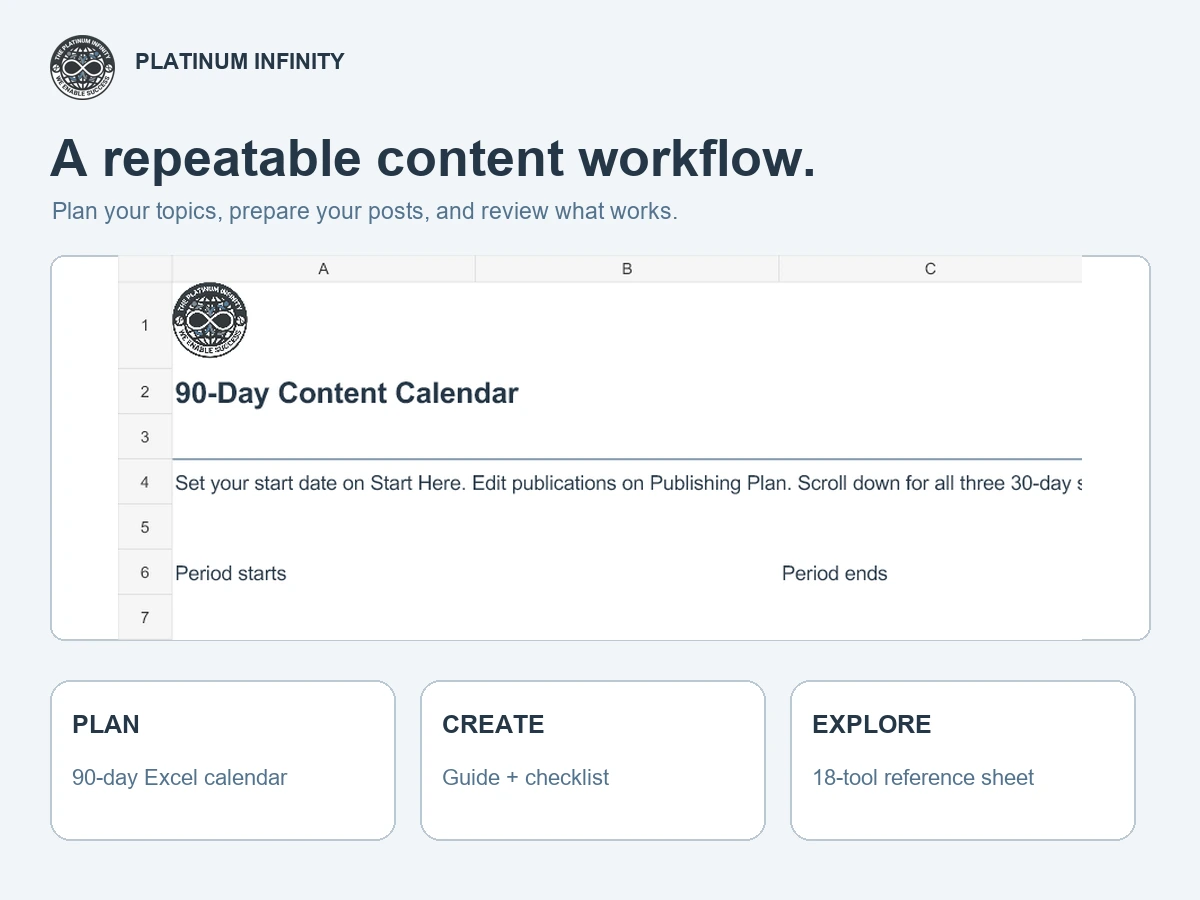
90 day Excel content planner
✓
Planner guide with 12 content creation tips
✓
Content preparation checklist
✓
18 tool reference sheet with links and QR codes
✓
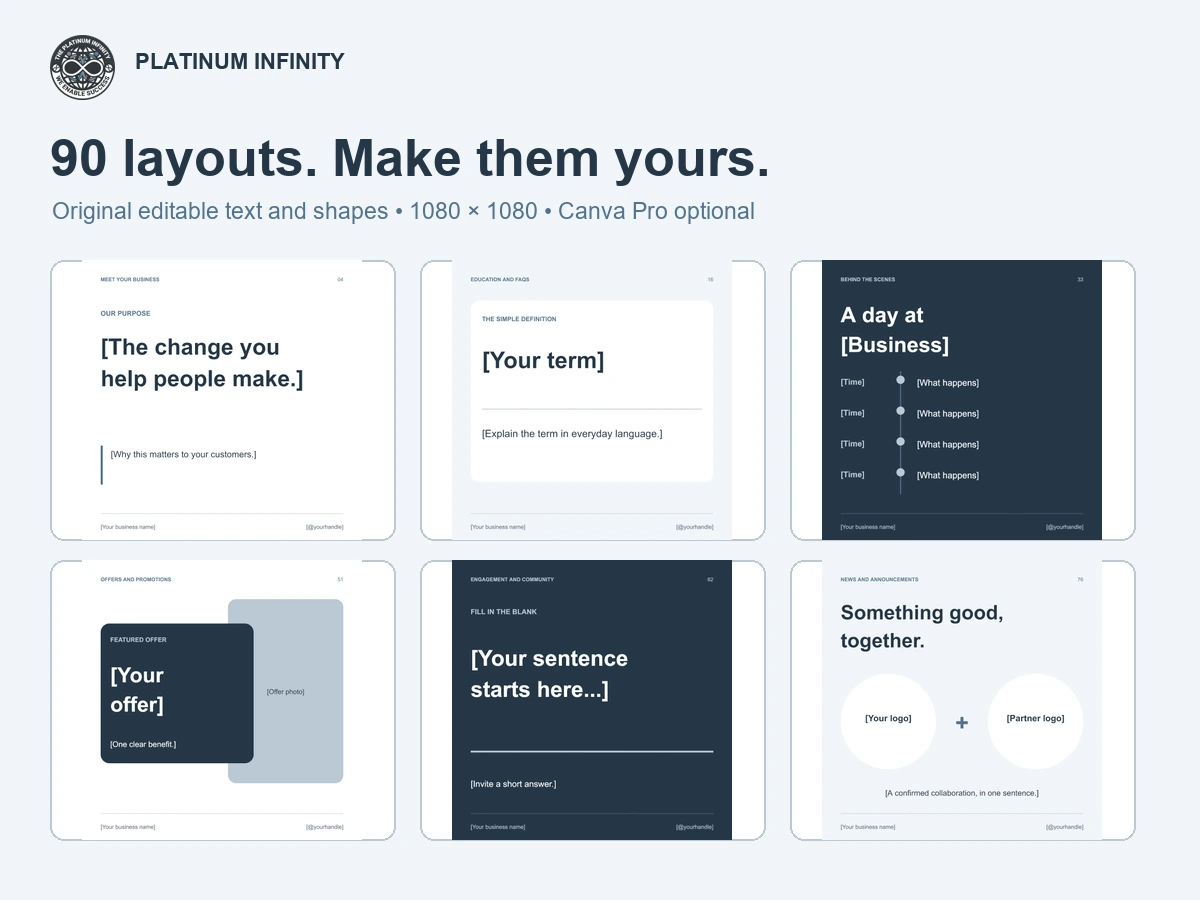
90 editable social feed templates for Canva
Benefits
01
Bring ideas, dates and results together in a 90 day planning workflow
02
Start with 90 distinct layouts instead of an empty canvas
03
Choose from nine content categories for a balanced mix of posts
04
Edit original text and shapes with Canva Free; Pro is optional
05
Build a repeatable process with the guide, checklist and 18 tool reference sheet
06
Reuse and customize the resources for your own business all for $14.99
Ideal buyer
✓
Small business owners managing their own content
✓
Solo entrepreneurs building a consistent posting routine
✓
Office managers and small marketing teams
✓
Local service businesses and independent retailers
How it works
1
Download and unzip the kit, then read START HERE.
2
Choose your themes and schedule posts in the 90 day Excel planner.
3
Upload the included PowerPoint file to Canva and customize layouts, copy, photos and colors.
4
Use the checklist, export your finished posts, publish and record results in the planner.
FAQ
The complete kit includes a 90 day Excel content planner, planner guide, content checklist, 18 tool reference sheet, and 90 distinct editable social feed templates. The template collection includes two additional welcome and customization pages.
No. The social templates use original editable text and shapes, with no Pro assets required. Upload the included PowerPoint import file into your Canva account to create your own editable copy; PowerPoint software is not required. Optional Canva Pro features, including Brand Kit, are explained in the welcome pages. Adding paid assets or using Pro features may require a separate Canva subscription.
Each feed layout is 1080 × 1080 pixels. The collection contains 90 distinct designs across nine content categories and several visual styles, plus two instruction pages.
You may customize and publish finished posts for your own business. The source templates and kit files may not be resold, shared, redistributed, or sublicensed. See the included license for details.
All sales of digital tools are final. We do not offer refunds on digital tools. Please review the description and included resources before purchasing.
One ZIP containing the Excel planner (.xlsx), PDF guide, fillable PDF checklist, PDF tool sheet, editable PowerPoint import file (.pptx), 92 page template preview PDF, START HERE instructions and a buyer use license.
Use Microsoft Excel for the workbook and a PDF reader for the guide, checklist and tool sheet. Use your own Canva Free account to import and edit the social templates. You do not need PowerPoint software. Compatibility with other spreadsheet apps has not been verified.
Yes. Change the original text and shape colors in Canva and use Change all when offered for matching colors. With Brand Kit access, you can apply a color theme across pages. Review every page afterward; photos and uploaded logos need separate adjustments.
They are generic editable layouts. Replace all sample content with your own wording, business details and photos before publishing. The kit does not write, schedule or publish posts automatically.
No. The calendar covers 90 days so you can plan at a pace that fits your business. The 90 social layouts are a separate reusable design collection, not a requirement to publish daily.